Posted 1 month ago
95.38K followers
114.5K views
6.2K likes
179 comments
421 shares
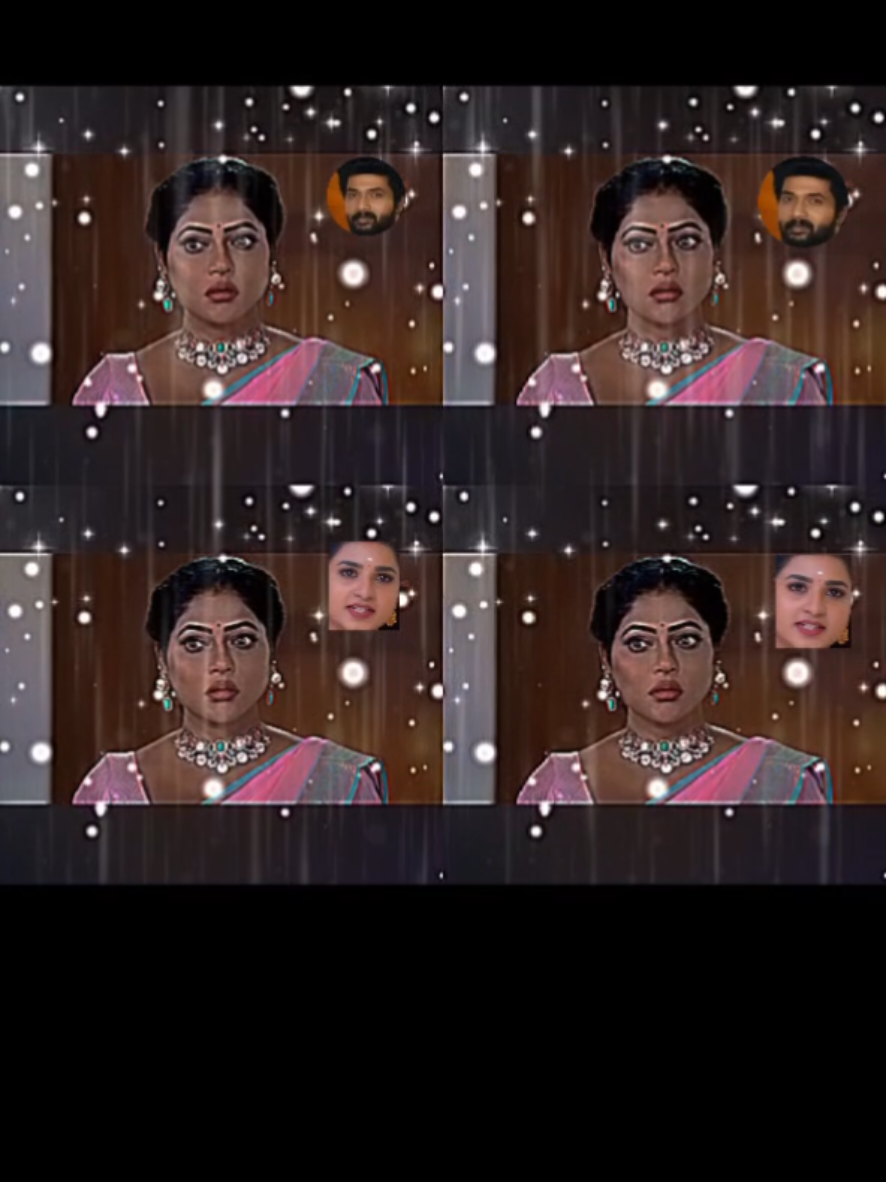
🌟 𝐆𝐞𝐦𝐢𝐧𝐢 𝐚𝐢 𝐩𝐢𝐜𝐭𝐮𝐫𝐞 𝐞𝐝𝐢𝐭 𝐭𝐮𝐭𝐨𝐫𝐢𝐚𝐥 💥 𝐇𝐨𝐰 𝐭𝐨 𝐦𝐚𝐤𝐞 𝐠𝐞𝐦𝐢𝐧𝐢 𝐚𝐢 𝐩𝐢𝐜𝐭𝐮𝐫𝐞 𝐡𝐞𝐫𝐞 𝐬𝐭𝐞𝐩 𝐛𝐲 𝐬𝐭𝐞𝐩 𝐠𝐮𝐢𝐝𝐞 🌟 Step 𝟎𝟏: Open the Gemini App 📱 Step 𝟎𝟐: Upload your favorite picture 📸 Step 𝟎𝟑: Copy & Paste the Magic Prompt ✍️ Step 𝟎𝟒: Hit Generate & Enjoy the result! 🎨 . ) 𝘗𝘙𝘖𝘔𝘗𝘛👇 >>>>>>>>> Keep the face, pose, and background exactly the same as shown in the reference imagelhe person (whose face must remain 100% identical to the reference) is siting on a chair, leaning back stightly in a relaxed posture. He is wearing a loose white cotton kameez shalwar. One hand iphone 16 pro max and one hand sunglasses The photo is captured in bright natural daylight, witha lush green bokeh background. The entire inmage should look extremely realistic 8Khyper-realistic, and cinematic in composition. There should be some blurred leaves in the foreground to add depth and realism. . . 📍 Location: 🕒 Time of day: 🌆 Cityscape details: 🌅 Sunset hues: 👔 Suit details: 🧥 Jacket style: 🔍 Accessories worn: 📷 Photography techniques: 🥇 Capturing emotion: 📝 Personal reflections: 🎬 Cinematic vibes: 👓 Eyewear details: 🤔 Inspiration sources: 🌟 Confidence boost: 👣 Walking style: 🌟 Style cues: 🤔 Inspiration or message: #creatorsearchinsights #gemini #Ai #prompt #photography